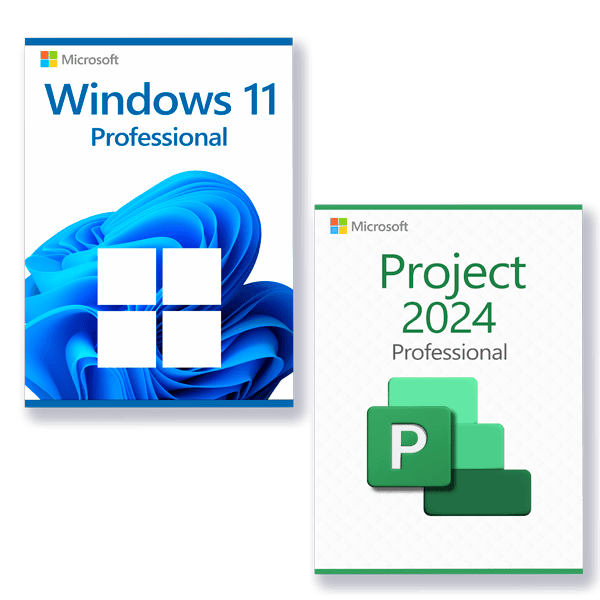




Microsoft Windows 11
System Requirements
Make sure you are ready for the newest and greatest operating system from Microsoft!
These are the minimum requirements for installing Microsoft Windows 11 on a PC. If your device does not meet these requirements, you may not be able to install Microsoft Windows 11. If you are unsure whether your PC meets these requirements, you can use the PC Health Check app to assess compatibility.
- Processor: 1 gigahertz (GHz) or faster with 2 or more cores on a compatible 64-bit processor or System on a Chip (SoC).
- RAM: 4 gigabyte (GB).
- Storage: 64 GB or larger storage device.
- System firmware: UEFI, Secure Boot capable.
- TPM: Trusted Platform Module (TPM) version 2.0.
- Graphics card: Compatible with DirectX 12 or later with WDDM 2.0 driver.
- Display: High definition (720p) display that is greater than 9” diagonally, 8 bits per color channel.
- Internet connection and Microsoft accounts: Internet access is required to perform updates and to download and use some features. A Microsoft account is required for some features.
There may be additional requirements over time for updates, as well as requirements to turn on specific features within the operating system.
Additional feature requirements:
- 5G support: Requires a 5G capable modem.
- Auto HDR: Requires an HDR monitor.
- BitLocker to Go: Requires a USB flash drive.
- Client Hyper-V: Requires a processor with second level address translation capabilities.
- DirectStorage: Requires an NVMe SSD and a DirectX 12 GPU with Shader Model 6.0 support.
- Touch: Requires a screen or monitor that supports multi-touch.
- Voice Typing: Requires a PC with a microphone.
- Wi-Fi 6E: Requires compatible hardware, driver and router.
- Microsoft Windows Hello: Requires a compatible infrared camera, fingerprint reader, PIN or Microsoft compatible security key.
Microsoft Project 2024 Professional
Microsoft Project 2024 brings new features and improvements that help teams organize work, manage tasks, and track budgets and resources even more effectively. This new release features key innovations that will benefit both beginners and professionals working on projects of any complexity:
Key features of Microsoft Project 2024 Professional:
- New, more intuitive and customizable interface with improved user navigation and flexible data display.
- Pre-built templates help you get started with your project in no time.
- Syncing with Project Online and Project Server for integration and resource management.
- What-if scenarios help optimize task assignments using scenario simulations.
- Improve your planning by auto-populating start and end dates based on dependencies.
- Use multiple timelines for a clear visual representation of complex schedules.
- New features for data display and analysis, allowing you to switch easily between different types of information presentation, including Kanban and Scrum boards.
- Support for Agile, Scrum, Waterfall and hybrid approaches, allowing users to combine elements of different methodologies.